Browser extension
Bring your pieces in
When the actors that matter only live on LinkedIn, they are hard to resurface. The Harvester lowers the friction of bringing them into a place where you can play with the pieces and see how they fit your overall strategy.
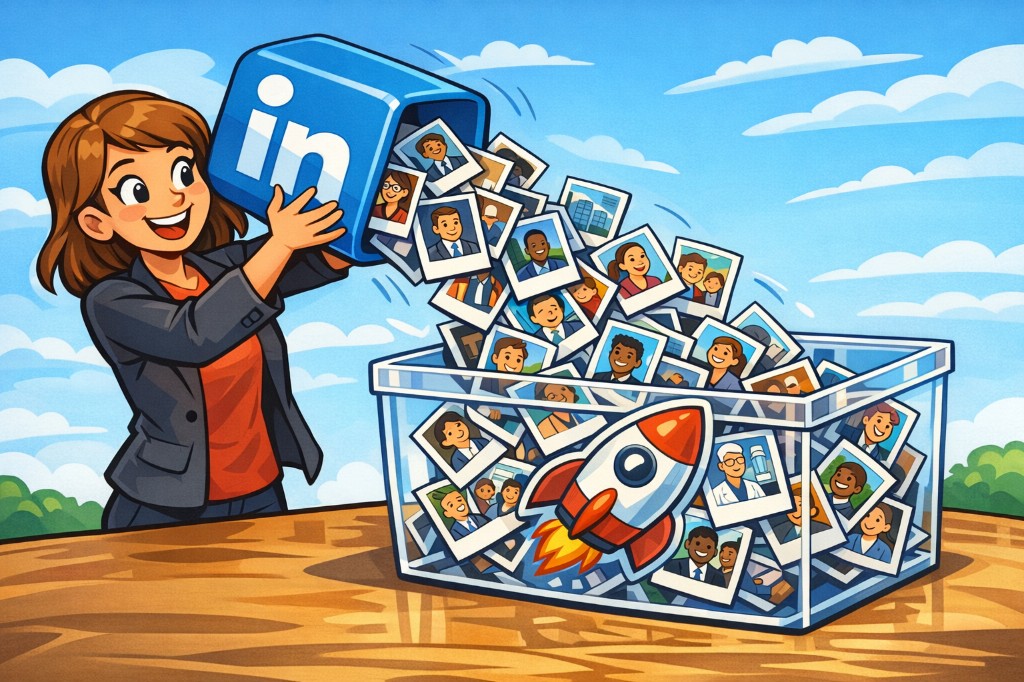
Locked into LinkedIn
LinkedIn is where you connect with people and organizations — but the feed is not a strategy board.
-
Hard to resurface Profiles you found last month disappear into search history and half-remembered names.
-
Nothing comes with you When you close the tab, they are still just a profile — not a piece you can keep working with.
-
No room to connect You cannot rearrange actors next to priorities, contributions and the rest of your landscape.

A sidepanel for harvesting
With the harvester you can easily bring along the pieces you care about, so you can get into strategy work faster.
Open a LinkedIn profile or company page, click Pick in the side panel, select the person or organization, and keep them as a piece in Relatable — ready to move, stack and explore next to the rest of your landscape.
Less copy-paste friction. More time arranging the board until the strategy makes sense.
Install in Chrome
-
Download the package
Download relatable-harvester.zip and unpack it on your computer.
-
Open Chrome extensions
Go to
chrome://extensionsand turn on Developer mode. -
Load unpacked
Click Load unpacked and select the unpacked Harvester folder.
-
Open the side panel
Once Relatable is pinned, click the nest icon in the upper right of Chrome to open the side panel. Sign in if needed, then use Pick on a LinkedIn profile or company page.