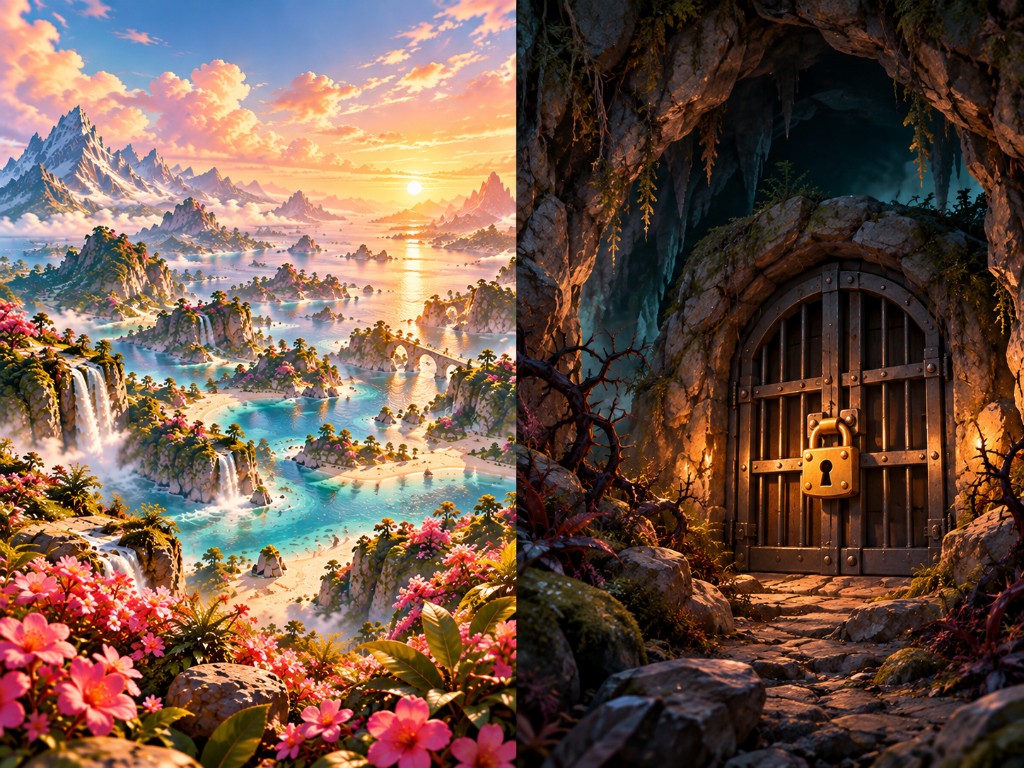
What it is
On a table you can open or lock a card’s image with the up and down arrow keys. When it is locked, bars sit in front. When it is open, you look in behind the doors — so you and others can see whether something is available.
Where to find it
- Open Tables
- Open a table
- Select a card and press up or down arrow
Why it matters
It is hard to know — and to say — whether something is available to you right now. Thoughts and themes sit there unmarked, and you have to hold in your head what is open, what is shut, and what you dare to step into. When several people share the surface, it gets even less clear what is “ready” for whom.
When a card can be open or locked in a way everyone can see, you do not have to carry availability alone. You can show that something is shut without explaining yourself half to death, and feel that it is safe to go in when the door is open.