What it is
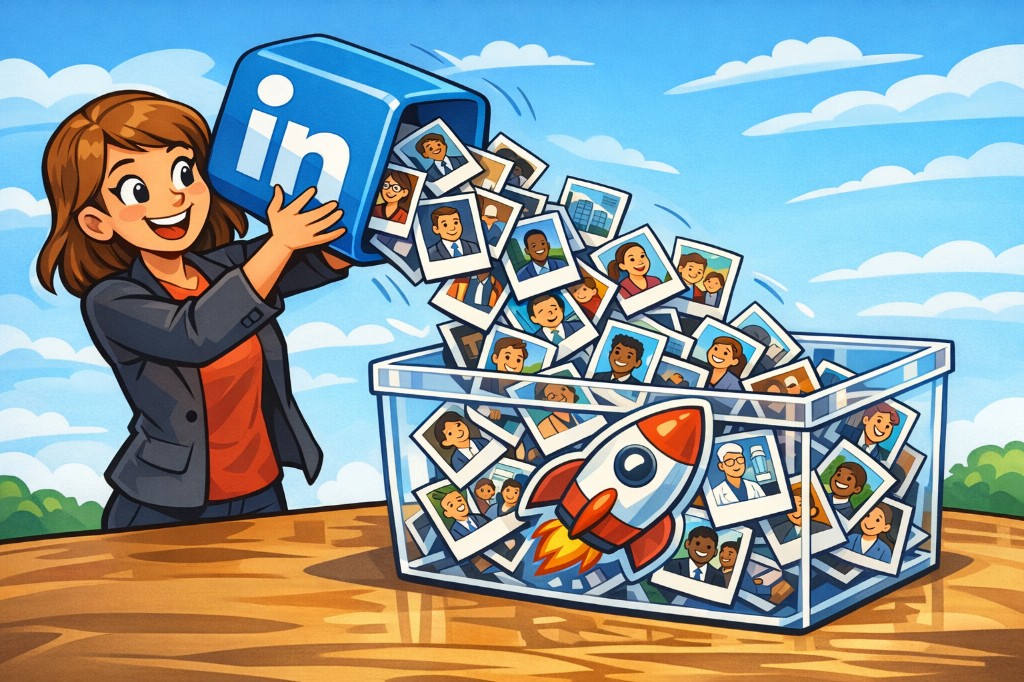
You can open a LinkedIn profile or company page, click Pick in the side panel, select the person or organization, and keep them as a piece in Relatable — ready to move and stack next to the rest of your landscape.
Where to find it
- Open Support in the menu
- Choose Harvesting
- Download for Chrome and follow the install steps
Why it matters
People and environments you care about often stay stuck on LinkedIn. You find them, close the tab, and then they are only search history and half-remembered names. You cannot bring them into the place where you actually arrange strategy.
When you can harvest them in as pieces, you do not have to hold them in your head or copy back and forth. They sit where you already work with the landscape.